Invite a conversation
Introduce an event and give people a clear way to ask a question.
Explore conversations Focal Campaign
CUSTOMER MESSAGING, WITH PURPOSE
Prepare messages that help your audience understand an event, ask a question, or find the next step. Keep the message relevant and the sender clear.
Discuss your campaignPrepare first. Review before sending.
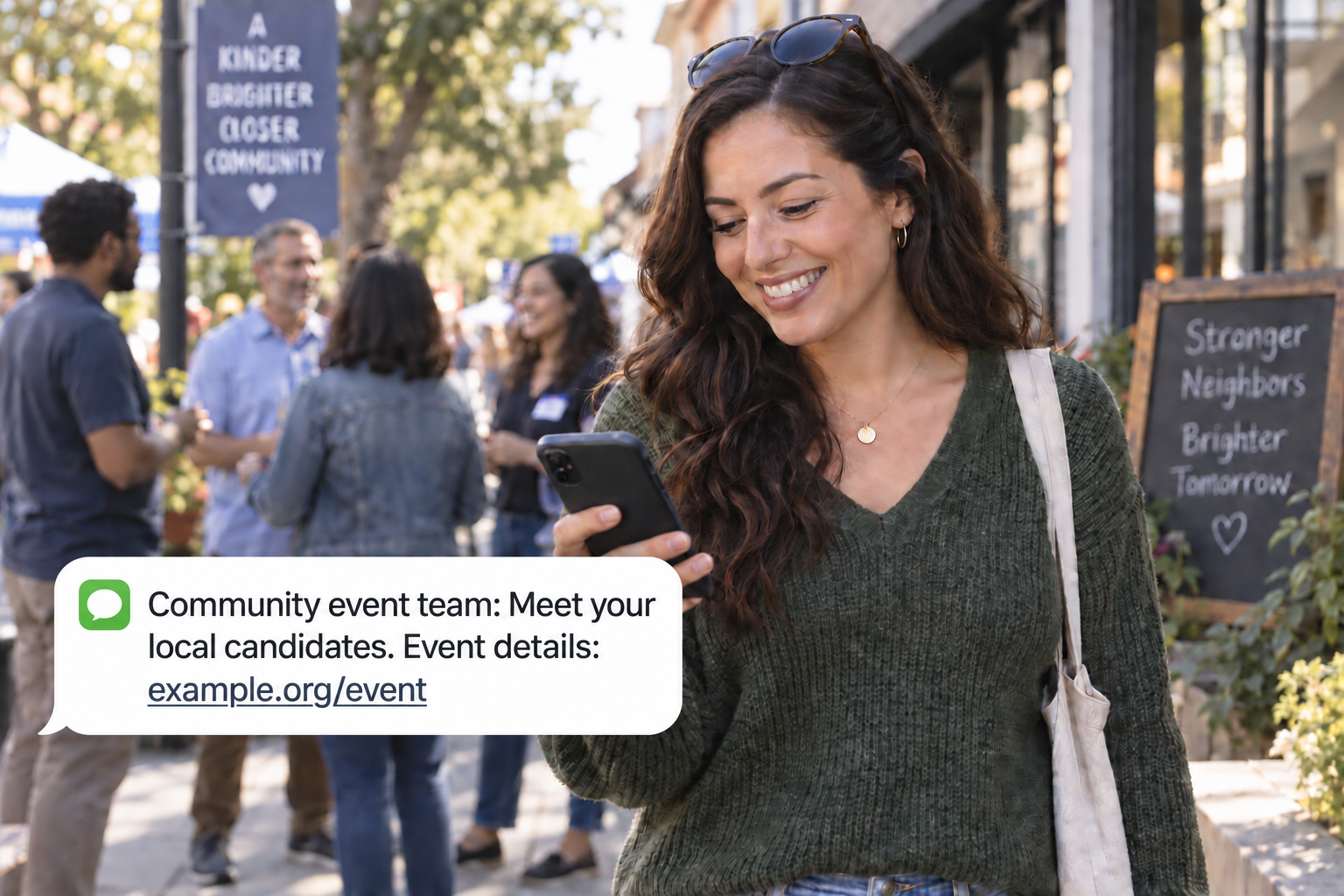
Introduce an event and give people a clear way to ask a question.
Explore conversationsPrepare useful updates for an appropriately permissioned volunteer audience.
Explore messagingOrganize messages and waits around your verified event details.
Explore Flow BuilderUse verified event details and identify the sender. Discuss the audience, channel, and applicable sending setup before launch. No blanket approval or compliance guarantee is implied.
Focal Campaign provides examples for event invitations and community information. Discuss your campaign requirements before activation; preparation does not establish registration approval or sending eligibility.
Explore product capabilities, automated flows and current pricing. For account-specific requirements, contact Focal Campaign.
Choose your goal. Prepare the work. Review the next step.
Discuss your campaign